
key-auth
Summary#
Name#
key-auth is an authentication plugin, it should work with consumer together.
Add Key Authentication (also sometimes referred to as an API key) to a Service or a Route. Consumers then add their key either in a querystring parameter or a header to authenticate their requests.
Attributes#
For consumer side:
| Name | Type | Requirement | Default | Valid | Description |
|---|---|---|---|---|---|
| key | string | required | different consumer objects should use different values, it should be unique. |
For route side:
| Name | Type | Requirement | Default | Valid | Description |
|---|---|---|---|---|---|
| header | string | optional | apikey | the header we get the key from |
How To Enable#
Two steps are required:
- creates a consumer object, and set the attributes of plugin
key-auth.
You can open dashboard with a browser: http://127.0.0.1:9080/apisix/dashboard/, to complete the above operation through the web interface, first add a route:
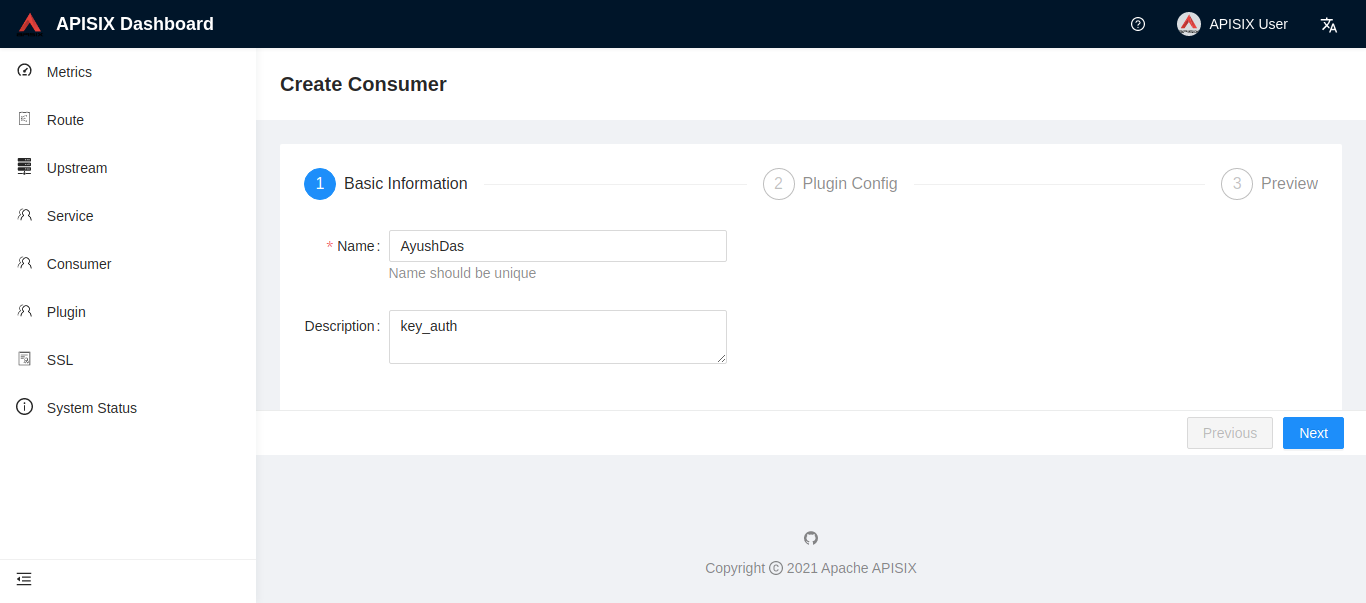
Then add key-auth plugin:
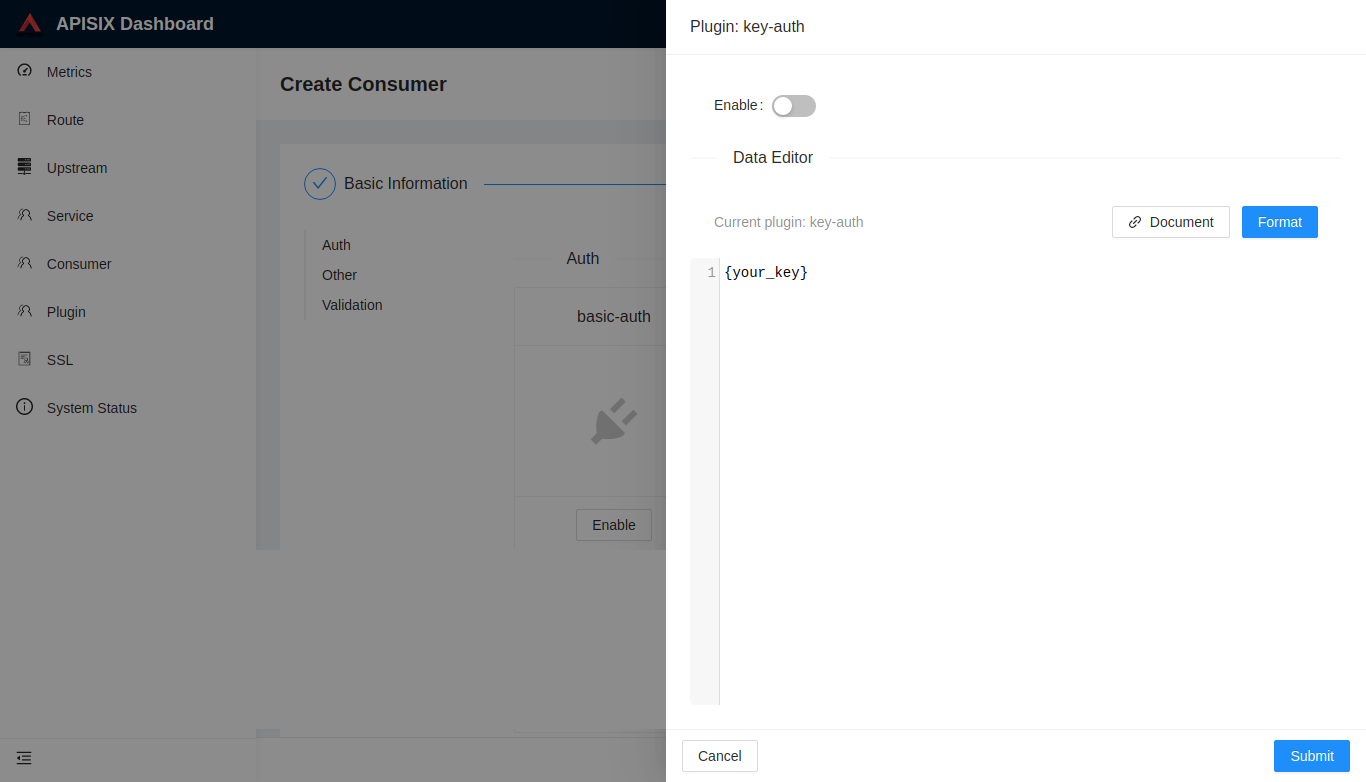
- creates a route or service object, and enable plugin
key-auth.
If you don't want to fetch key from the default apikey header, you can customize the header:
Test Plugin#
Here is a correct test example:
If the request does not set apikey correctly, will get a 401 response.
Disable Plugin#
When you want to disable the key-auth plugin, it is very simple,
you can delete the corresponding json configuration in the plugin configuration,
no need to restart the service, it will take effect immediately:
The key-auth plugin has been disabled now. It works for other plugins.