
jwt-auth
Summary#
Name#
jwt-auth is an authentication plugin that need to work with consumer. Add JWT Authentication to a service or route.
The consumer then adds its key to the query string parameter, request header, or cookie to verify its request.
For more information on JWT, refer to JWT for more information.
Attributes#
| Name | Type | Requirement | Default | Valid | Description |
|---|---|---|---|---|---|
| key | string | required | different consumer have different value, it's unique. different consumer use the same key, and there will be a request matching exception. | ||
| secret | string | optional | encryption key. if you do not specify, the value is auto-generated in the background. | ||
| public_key | string | optional | RSA public key, required when algorithm attribute selects RS256 algorithm. | ||
| private_key | string | optional | RSA private key, required when algorithm attribute selects RS256 algorithm. | ||
| algorithm | string | optional | "HS256" | ["HS256", "HS512", "RS256"] | encryption algorithm. |
| exp | integer | optional | 86400 | [1,...] | token's expire time, in seconds |
| base64_secret | boolean | optional | false | whether secret is base64 encoded |
API#
This plugin will add /apisix/plugin/jwt/sign to sign.
You may need to use interceptors to protect it.
How To Enable#
- set a consumer and config the value of the
jwt-authoption
jwt-auth uses the HS256 algorithm by default, and if you use the RS256 algorithm, you need to specify the algorithm and configure the public key and private key, as follows:
- add a Route or add a Service, and enable the
jwt-authplugin
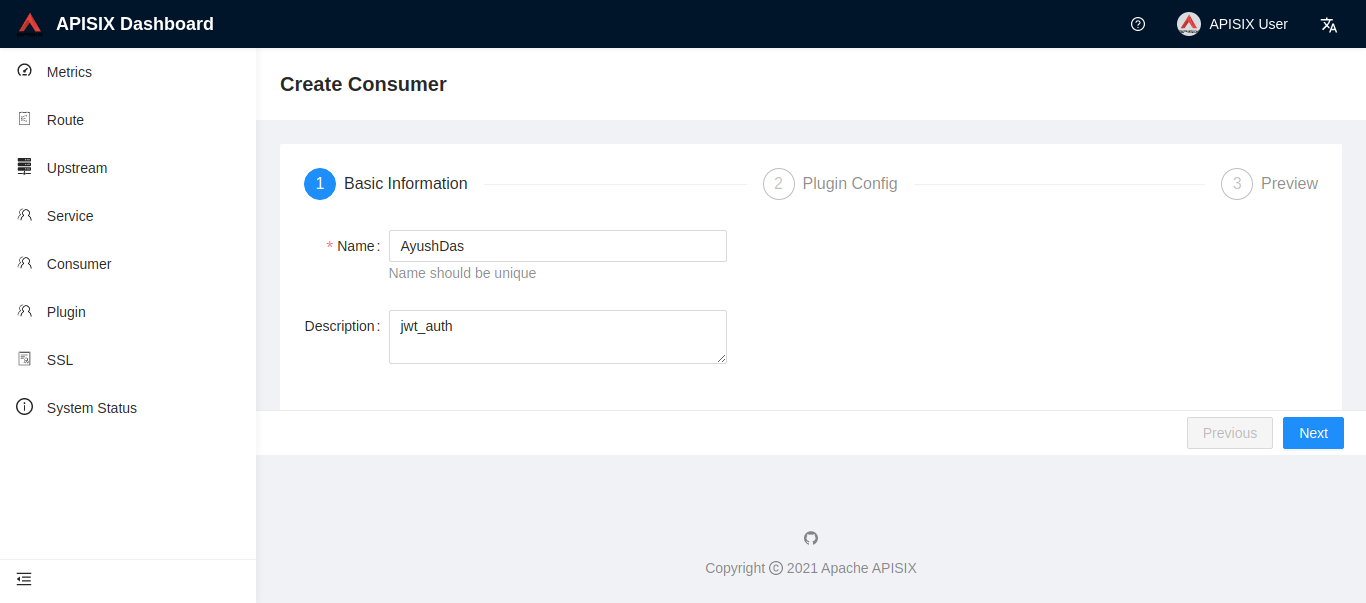
You can use APISIX Dashboard to complete the above operations through the web console.
- Add a Consumer through the web console:
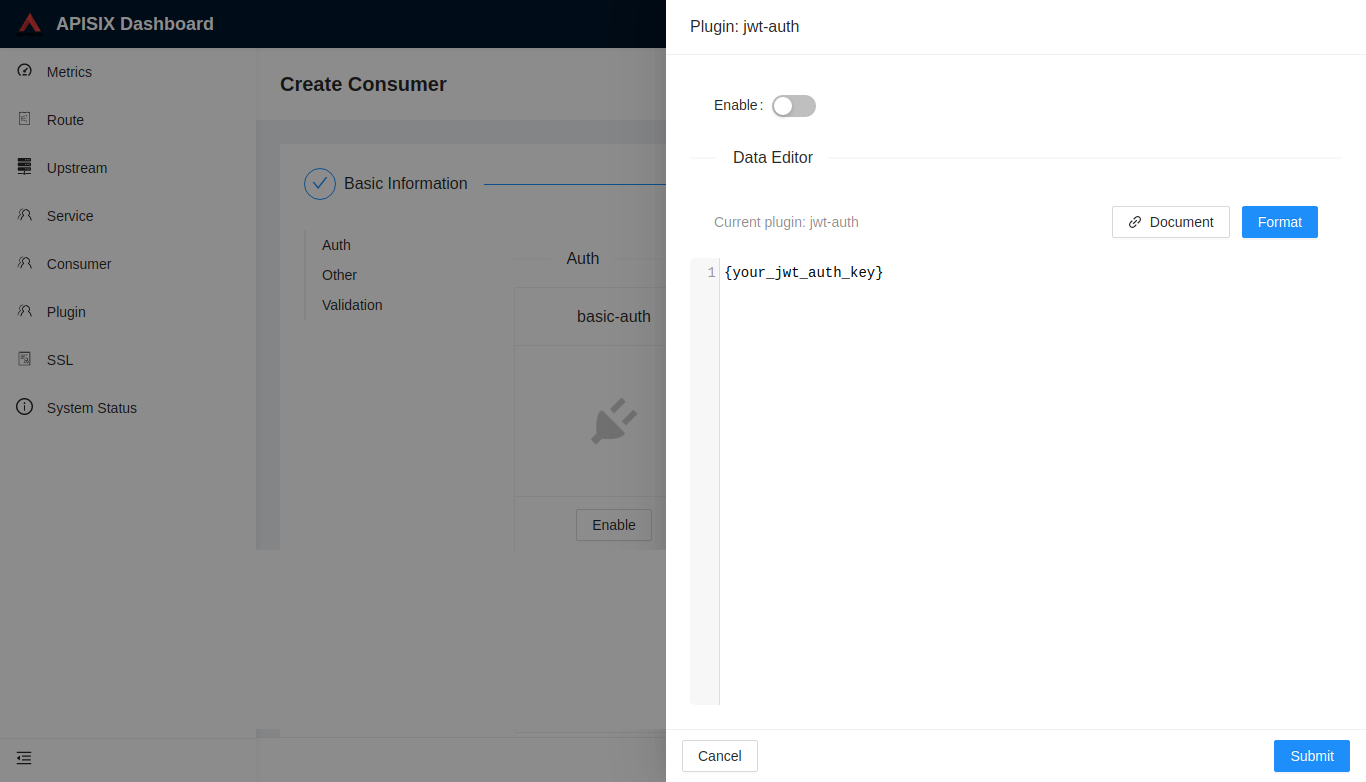
then add jwt-auth plugin in the Consumer page:
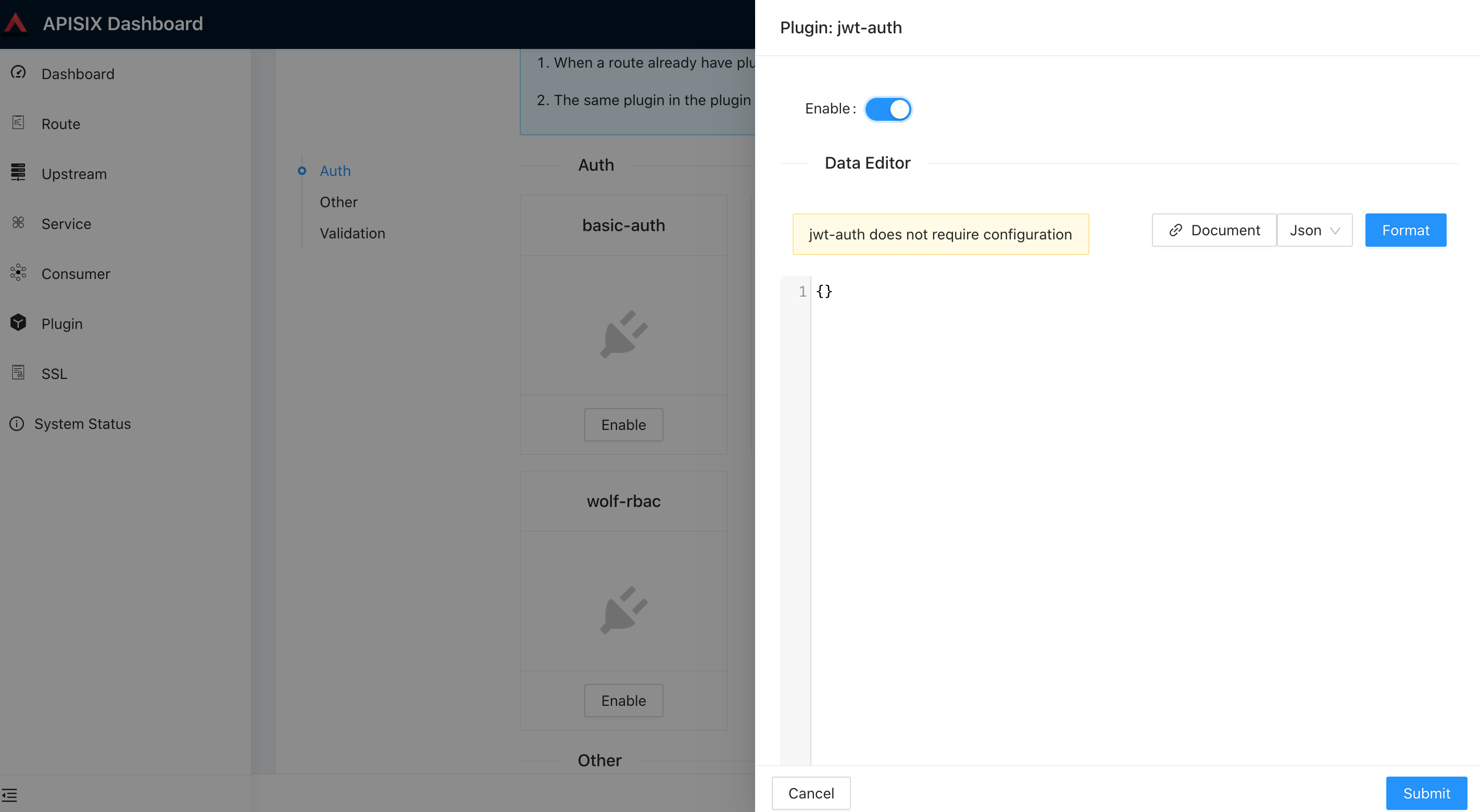
- Create a Route or Service object and enable the jwt-auth plugin:
Test Plugin#
get the token in jwt-auth plugin:#
- without extension payload:
- with extension payload:
try request with token#
- without token:
- request header with token:
- request params with token:
- request cookie with token:
Disable Plugin#
When you want to disable the jwt-auth plugin, it is very simple,
you can delete the corresponding json configuration in the plugin configuration,
no need to restart the service, it will take effect immediately: